How to Weapon Inspect in Cyberpunk 2077
You’ve just looted a legendary M-179 Achilles from a downed cyberpsycho, but before you mod it, you need to check its stats. In Cyberpunk 2077, the weapon inspect function is your key to evaluating every critical detail, from DPS and mod slots to the specific damage type. It’s the digital equivalent of a field strip, and knowing the controls is non-negotiable for building your arsenal.
The Core Control: Inspecting Your Firearm
On PC, the default keybind is ‘N’. Hold it down while a weapon is drawn to enter the inspection view. This rotates the model and displays its detailed stat card. On PlayStation 5 and Xbox Series X|S, you must first open the weapon wheel, highlight your equipped weapon, then press and hold the Right Stick (R3). This isn’t an idle animation; it’s a vital tool. The stat card shows the weapon’s tier (Common, Rare, Epic, Legendary), its base Damage Per Second (DPS), attack speed, and, most importantly, its mod slots. A Malorian Arms 3516 with three mod slots is a far more valuable find than one with only one.
Why Inspection Matters: Stats and Mods
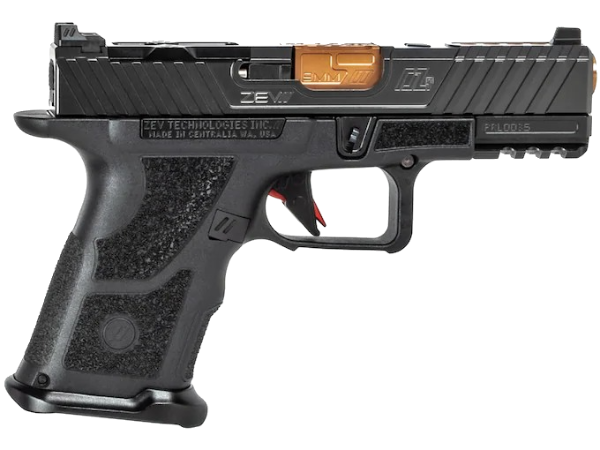
In the real world, you check a rifle’s headspace and bore condition. In Night City, you inspect for mod compatibility and hidden bonuses. The inspection screen reveals critical data like elemental damage types—thermal, chemical, electrical, or physical—which directly counter specific enemy armor types. It also shows unique weapon traits, like the Crash revolver’s chance to dismember or the Yinglong SMG’s smart-link requirement. Before you buy a ZEV Technologies OZ-9C Hyper-Comp in reality, you’d check its specs; in-game, this is that process. Never install a costly mod without verifying an open slot first.
Platform-Specific Inputs and Troubleshooting
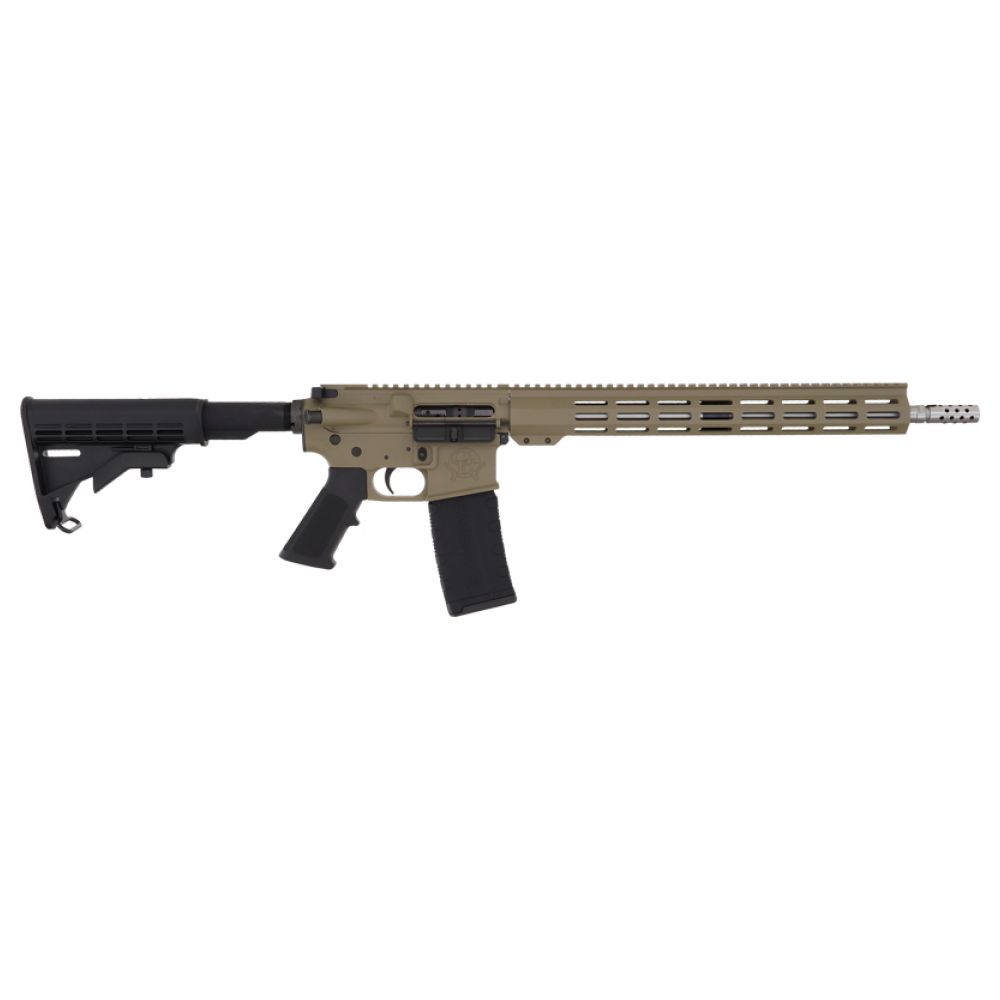
If ‘N’ or R3 isn’t working, you likely have a conflicting keybind or aren’t meeting the conditions. The weapon must be drawn in your hands, not just equipped. On PC, check your Key Bindings under Settings > Controls; the action is listed as “Inspect Weapon.” Console players should ensure they are pressing the stick after highlighting the weapon on the wheel, not before. Some mods or cyberware, like the Mantis Blades, will prevent weapon inspection for obvious reasons. If you’re still stuck, try holstering and re-drawing your firearm. It’s a basic function, but like clearing a jam on an AR-15 platform, you need the steps down cold.
From Digital to Reality: The Real-World Parallel
While Cyberpunk 2077 simplifies inspection to a button press, real firearms demand a meticulous, hands-on procedure. You’d perform a functions check, ensuring the safety works and the action cycles smoothly. You’d inspect the chamber and bore for obstructions or fouling, just like you’d check a weapon’s mod slots in-game. The ammo type is as crucial as a game’s damage stat; using the wrong round can be catastrophic. At Highbridgearmory, we treat every Winchester Deer Season XP .300 Blackout round with the same scrutiny V might give a Breakthrough sniper rifle. Knowing your tool’s capabilities, virtual or real, is the foundation of effective use.

FAQ: Weapon Inspection in Cyberpunk 2077
How to weapon inspect cyberpunk?
To inspect a weapon in Cyberpunk 2077, you must have it drawn in your hands. On PC, press and hold the ‘N’ key by default. On consoles (PS5/Xbox), open the weapon wheel, highlight the equipped weapon, then press and hold the Right Stick (R3). This action displays the detailed stat card for the weapon.
How to weapon inspect cyberpunk ps5?
On PlayStation 5, open the weapon wheel by holding the left directional pad button. Use the right stick to highlight the weapon currently in your hand. Then, press down and hold the Right Stick (R3) itself. Hold it until the weapon model rotates and the detailed information panel appears on screen.
How to weapon inspect cyberpunk pc?
The default keybind on PC is ‘N’. Simply have the weapon drawn and press and hold the ‘N’ key. If this doesn’t work, check your key bindings in the Settings menu under Controls for “Inspect Weapon” and reassign it. Ensure no other active actions (like scanning) are preventing the input.
Browse our firearms collection
Last updated: April 19, 2026