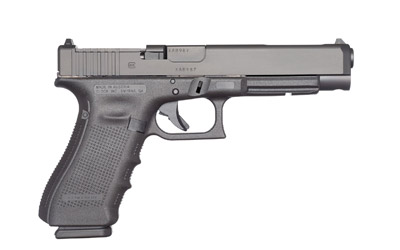
Weapon Inspect in Cyberpunk 2077
In Cyberpunk 2077, the weapon inspect animation isn’t just a cosmetic trick. It’s a direct nod to real-world firearms handling, triggered by holding down the Alt key on PC or double-tapping the Triangle/Y button on console. This mechanic reveals intricate details on your in-game arsenal, from the serial number on a Malorian Arms 3516 to the wear patterns on a Unity pistol. For anyone who handles real steel, the parallels to a basic safety check are immediate.
The Real-World Inspection Behind the Animation
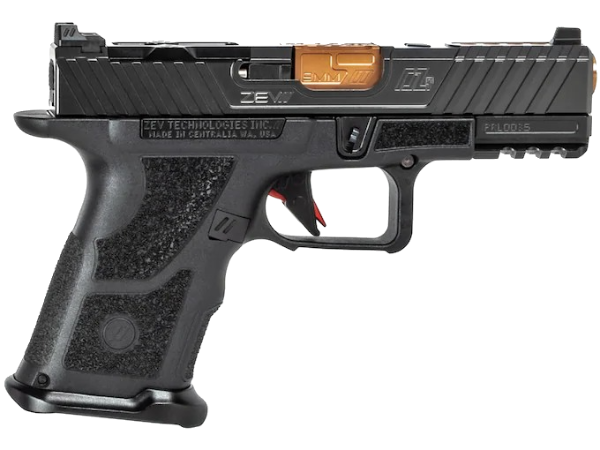
When you trigger the inspect animation in-game, V performs a visual check, rotating the firearm to view its sides. In reality, this mirrors the first step of a safety inspection: verifying the chamber is clear and the weapon is unloaded. For a modern striker-fired pistol like the ZEV OZ-9C, you’d drop the magazine, lock the slide to the rear, and physically look and feel for a round. The game’s animation captures the spirit of this, focusing on the weapon’s aesthetics and condition. It’s a detail that resonates because the developers clearly referenced actual firearms handling. The wear, scratches, and custom engraving you see are a digital form of the “character” real guns get from use, maintenance, and modification.
Platform Controls: PC vs. Console
The input method changes, but the principle doesn’t. On PC, the default keybind is to hold the Left Alt key while the weapon is drawn. This allows for a steady, prolonged look at your piece. On PlayStation 5 and Xbox Series X/S, you double-tap the Triangle or Y button, respectively. The console method can feel slightly less intuitive, requiring a quick, precise double-press. Some players remap this to a hold function via accessibility settings for a more reliable trigger. It’s worth noting that the animation won’t work if you’re in a menu, mid-reload, or performing another action. Just like a real safety check, you need a moment of focused attention.
Why the Details Matter to Shooters
For firearms enthusiasts, the meticulous detail in Cyberpunk 2077’s weapons is a major draw. You can see the difference between a polymer-frame pistol and a heavy revolver’s machined steel. This attention to detail extends to real-world shopping. When you’re inspecting a potential purchase at Highbridgearmory, you’re looking for similar hallmarks of quality: proper fit, finish, and manufacturer markings. The game’s “Kongou” pistol might have a fictional manufacturer logo, but in reality, you’re checking for “FN” or “Glock” on the slide. The wear states in-game—from “Pristine” to “Broken”—parallel how we judge a used firearm’s condition, checking for slide wear, barrel erosion, and frame integrity.
From Digital to Reality: Applying Inspection Principles
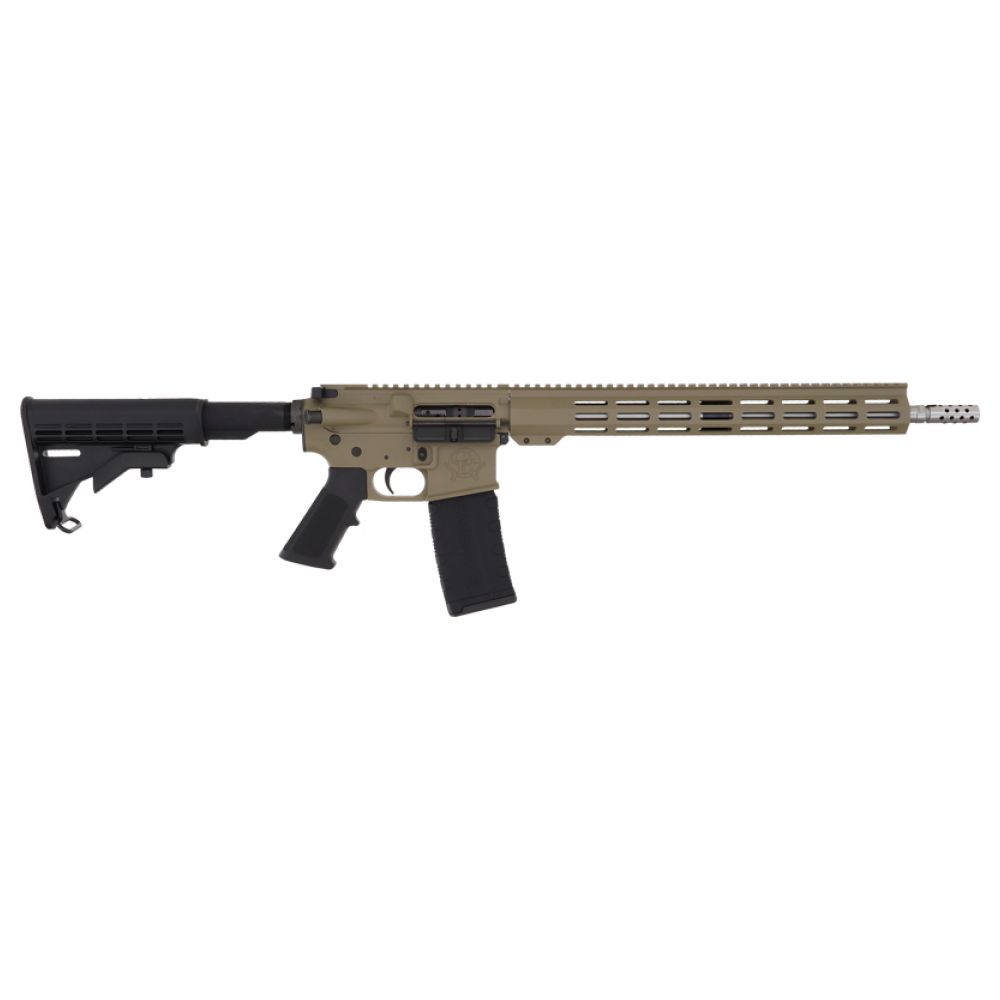
The game ends at a visual showcase, but real-world inspection is a tactile, multi-step process. After ensuring the firearm is clear, you’d function-check the safety, trigger, slide release, and magazine catch. You’d inspect the barrel’s rifling for sharpness and check for cracks or unusual wear on critical components. This is especially important when building a platform like an AR-15. Every part, from the trigger group to the barrel nut, needs verification for proper installation and torque. Highbridgearmory ensures every firearm ships ready for this level of scrutiny, providing the same confidence you get from a perfectly rendered in-game icon.

FAQ: Weapon Inspect in Cyberpunk 2077
How to weapon inspect in Cyberpunk 2077?
To inspect your weapon, you must have it drawn and be in a neutral state (not aiming, shooting, or reloading). On all platforms, the action is performed by holding down the designated button. It’s a purely visual feature to appreciate your weapon’s model and cosmetic condition.
How to weapon inspect in Cyberpunk on PS5?
On PlayStation 5, double-tap the Triangle button. The timing needs to be quick and precise. If you find the double-tap unreliable, you can often remap it to a hold function within the console’s accessibility settings for a more consistent result.
How to weapon inspect in Cyberpunk on PC?
On PC, the default keybind is to hold the Left Alt key. This is typically the most reliable method. You can change this binding in the game’s Keyboard controls settings under the “Weapon” or “General” action categories if you prefer a different key.
Browse our firearms collection
Last updated: April 18, 2026